
Hearing a hard drive clicking, grinding, buzzing, beeping or making a repeated knocking sound can be worrying especially when the drive contains important photos work files, business documents or personal data. your important data could be at serious risk. Don’t ignore the warning signs or wait until your computer stops working.
Some hard drive sounds are completely normal. A sudden or increasingly loud mechanical noise can also be an early warning of drive failure. The most important step is to stop using the affected drive immediately, avoid repeated restarts and priorities protecting your data.
In this guide, we’ll explain why hard drives make clicking and grinding sounds, the warning signs of drive failure, what you should do immediately and when to seek professional computer hard drive repair or data recovery services.
If your files are important, do not attempt DIY repairs or open the hard drive yourself. Instead, seek professional hard drive diagnostics and data recovery assistance.
Hard Drive Clicking: Is It Always a Sign of Failure?
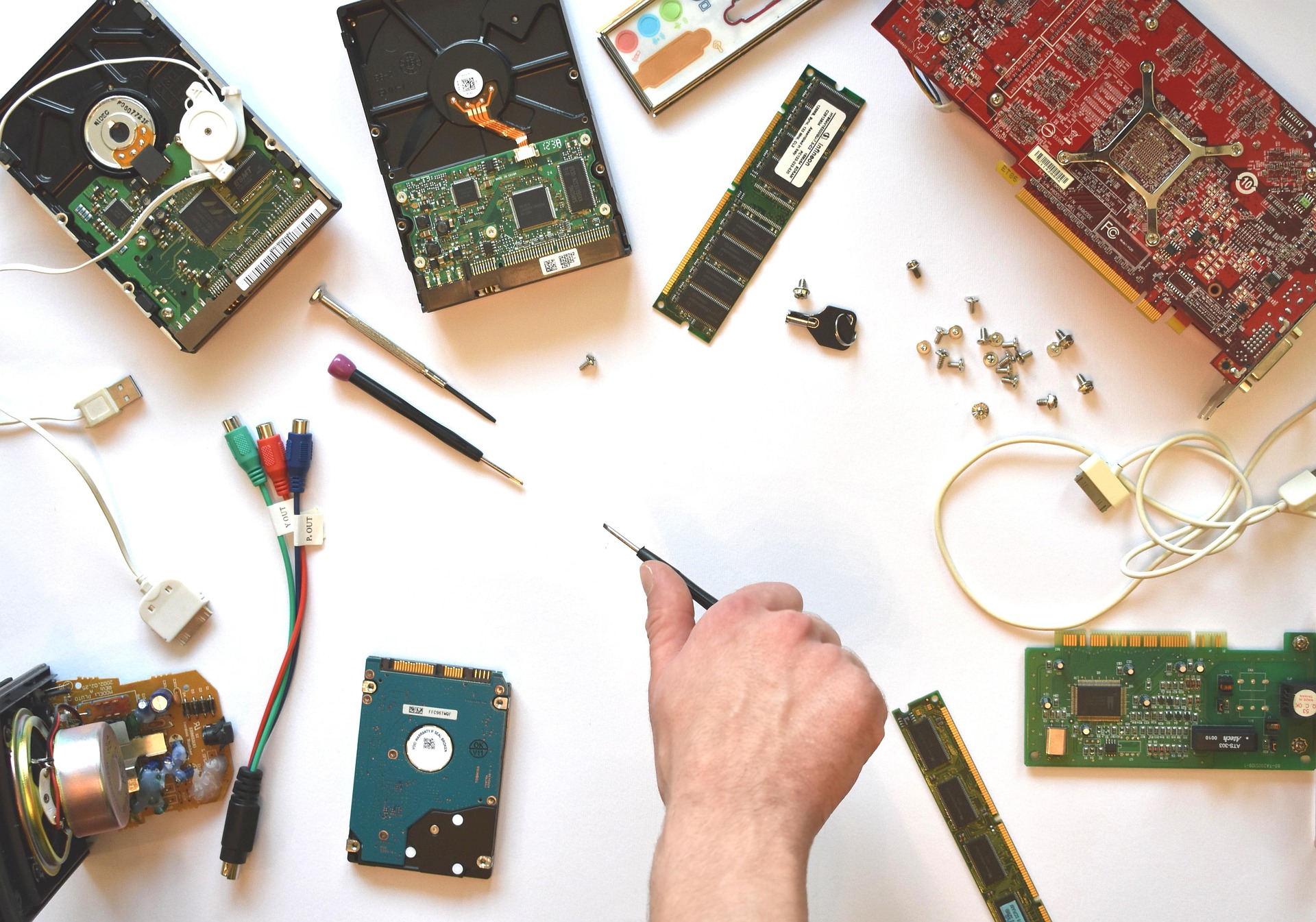
Not every click means your hard drive is failing. Traditional HDDs contain moving parts, including spinning platters and read/write heads so light whirring or occasional soft clicking can occur during reading, writing, indexing or head parking.
However hard clicking repeated clunking, grinding or scratching is much more concerning. Seagate notes that repeated clicking or clunking can indicate a physical drive problem while grinding can risk damage to the platters if the drive continues operating.
What Should You Do Immediately?
1. Stop unnecessary use
If the drive is making a new, loud or repetitive sound, stop opening files, installing software, copying data or running demanding tasks from it. Continued activity can put stress on a failing mechanical drive.
2. Protect important data
If the drive is still accessible and the data is not already backed up priorities a backup only when the drive is operating normally enough to copy data safely. If it is grinding, repeatedly clicking disappearing from the system or failing to read files avoid repeated attempts and seek professional emergency repair.
3. Shut the computer down if the sound is severe
Grinding, scratching, repeated hard clicking or a drive that repeatedly spins up and stops should be treated as a potential hardware failure. Powering the system down can help prevent physical damage.
4. Do not open the hard drive
Never remove the drives sealed cover to inspect the platters or heads. Hard drives are sensitive to contamination. Should only be opened in a suitable professional recovery environment.
5. Do not format or initialize the drive
If Windows or another operating system suddenly asks you to format an affected drive do not accept the prompt if you need the files. Formatting can make data recovery more difficult.
6. Get the drive assessed
A qualified technician can determine whether the sound is coming from the HDD itself its enclosure, power supply, cable, mounting hardware or another component.
Different Hard Drive Sounds and What They Can Mean
Sound | Possible Meaning | Recommended Action |
Soft occasional clicking | Normal head movement or drive activity | Monitor the drive and keep a current backup. |
Loud repeated clicking | Possible mechanical or head-related problem | Stop unnecessary use and arrange a technician diagnostic check. |
Grinding or scratching | Possible physical damage to internal components or platters | Power down and seek professional data-recovery/repair advice. |
Repeated clunking | Potential mechanical failure | Do not keep testing the drive repeatedly. |
Beeping from an external HDD | May indicate insufficient power, cable/port problems or another fault | Check power/cable/port only if the drive is otherwise stable; seek help if unresolved. |
Whining or excessive vibration | Could be mounting, vibration or drive-related hardware issue | Identify the source and inspect the drive professionally if the noise is new. |
Important: sound alone cannot confirm the exact cause. A healthy HDD can make some audible operating noises, while a failing drive may sometimes remain quiet. The change in sound, repeated pattern, detection problems and other symptoms matter.
Signs Your Hard Drive May Be Failing
The computer becomes unusually slow when opening or saving files.
Files take longer than normal to load or copy.
Windows repeatedly. Becomes unresponsive.
The drive reappears in File Explorer.
Files become corrupted. Cannot be opened.
The system shows disk-related errors or boot failures.
The HDD repeatedly clicks, clunks, grinds or spins up and stops.
An external hard drive is no longer detected consistently.
SMART or manufacturer diagnostics report drive-health errors.
Could the Noise Be Coming from Something
Could the Noise Be Coming From Something Else?
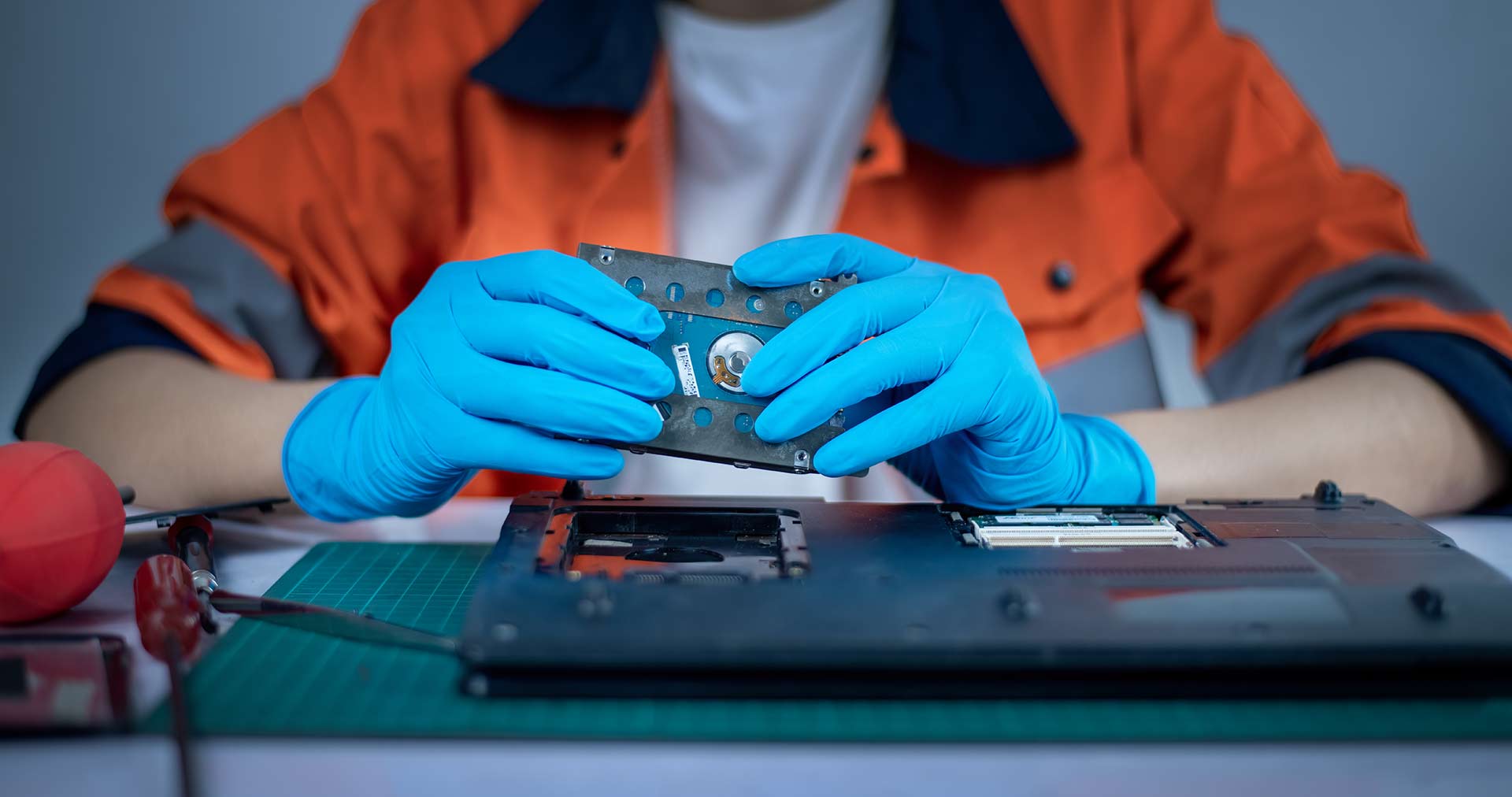
Yes. Fans, mounting hardware, an external enclosure, a power adapter or even vibration through a desk can sometimes sound like a hard drive problem. For drives a technician can isolate the storage device from other components. For a HDD a compatible cable, power source or USB port can also affect behavior.
Do not assume the drive is healthy simply because changing a cable makes the noise disappear; if the drive has shown behavior protect the data first.
Should You Keep Using a Clicking Hard Drive?
If the clicking is persistent loud or accompanied by missing files, detection problems, grinding, scratching or repeated spin-up/ spin-down behavior continued use is not recommended.
A failing HDD can deteriorate further. Repeated attempts to access the data may reduce the chances of successful recovery. If the files are important professional service is safer than restarting the drive and hoping it begins working normally.
What About Running a Disk Check or Repair Tool?
Diagnostic software can be useful when a drive is stable and the data is safely backed up. However aggressive repair operations are not the step when a hard drive is showing signs of physical failure. Repair utilities can require reading and writing from the drive.
If the drive contains data and is making severe mechanical noises, priorities data protection and professional assessment rather than experimenting with multiple repair utilities.
Hard Drive Clicking After a Drop or Physical Impact
If an external hard drive or laptop has been dropped and then starts clicking grinding or behaving abnormally treat the situation as urgent. A physical impact can damage components even when the enclosure looks fine.
Avoid reconnecting the drive to see whether it will ‘come back.’ If important files are involved professional data recovery advice should be considered.
Hard Drive Clicking vs. SSD Problems
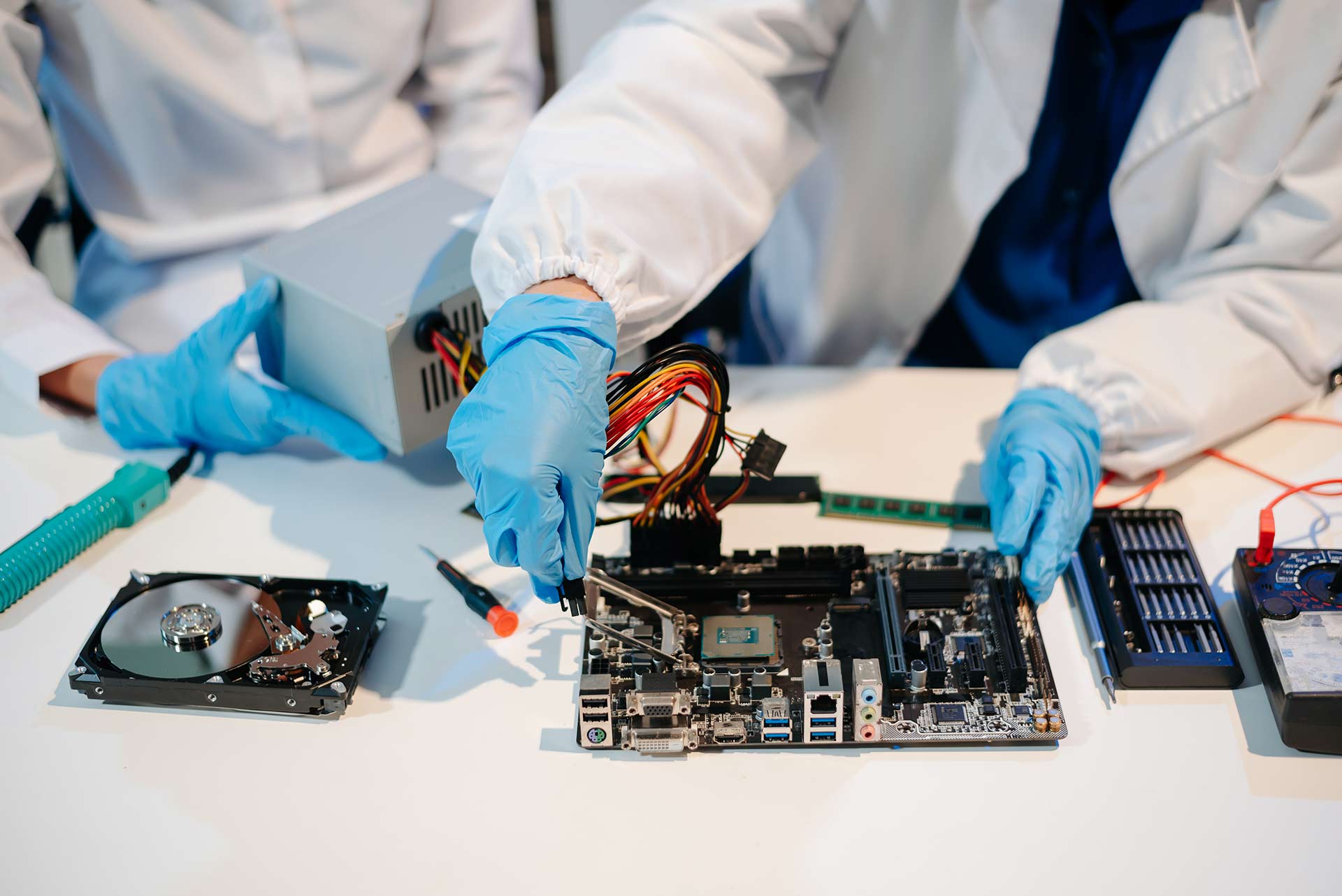
A traditional HDD uses spinning platters. Moving read/write heads so it can produce mechanical sounds. An SSD has no moving parts and normally operates silently.
If a computer with an SSD is making an grinding sound the source is likely another component, such as a fan or another mechanical drive. This distinction can help narrow down the problem.
London Example: A Working Laptop That Starts Clicking
Imagine a professional in Kensington using a laptop with a mechanical HDD. The laptop suddenly becomes slow. Begins making a repeated clicking noise whenever a large folder is opened. Of continuing to work from the laptop and repeatedly restarting it the safer approach is to stop unnecessary activity protect the important files if the drive is stable enough to do so and arrange a professional diagnostic check.
For London users in Kensington, Chelsea, Westminster, Paddington, Hammersmith, Camden and nearby areas getting the problem assessed early can be less stressful than dealing with a complete drive failure later.
How Tech Repair London Can Help
If your laptop, desktop PC or external hard drive is making strange noises, Tech Repair London can help identify whether the issue is related to the hard drive, cables, power, cooling, mounting or another hardware component.
The priority should be protecting your data and determining whether the storage device can safely continue operating.
Hard drive and storage diagnostics
Laptop and desktop hardware troubleshooting
External hard drive fault checks
Drive replacement and upgrade advice
HDD-to-SSD upgrade guidance
Data-loss and recovery guidance for drives showing serious symptoms
What to Do Before Bringing a Noisy Drive to a Repair Shop
Write down when the unusual sound started.
Note whether the sound is constant or happens during file access.
Record any recent drops, shocks, overheating or power interruptions.
If the drive still works normally, identify which files are most important.
Do not repeatedly restart or reconnect a severely clicking drive just for testing.
Bring the original power adapter and cables for an external drive when possible.
Tell the technician if the data is more important than getting the drive working again.
How to Prevent Hard Drive Data Loss
Keep at least one separate backup of important files.
Use cloud storage or an external backup drive for critical documents and photos.
Replace ageing HDDs before they become unreliable when practical.
Monitor unusual noises, performance changes and drive-health warnings.
Avoid moving an operating external HDD unnecessarily.
Use surge protection or reliable power equipment for desktop and external storage setups.
Consider an SSD for systems where silent operation, speed and resistance to mechanical shock are priorities.
Frequently Asked Questions
Is a clicking hard drive always failing?
No. Soft clicking can occur during normal HDD operation. However, persistent loud clicking, repeated clunking or clicking combined with other problems can indicate a physical fault and should not be ignored.
Should I turn off a hard drive that is grinding?
Yes. Grinding or scratching can indicate physical damage. If the data is important, stop using the drive and seek professional data-recovery or remote repair advice.
Can a clicking hard drive be repaired?
Sometimes the underlying computer, cable, power or enclosure problem can be fixed. A mechanically failing HDD, however, may need replacement, while important data may require specialist recovery.
Can I fix a clicking hard drive myself?
Basic cable and connection checks may be appropriate when the drive is otherwise stable. Do not open the drive or attempt internal mechanical repairs yourself.
Will formatting fix a clicking hard drive?
Formatting can address some logical problems, but it does not repair a mechanical failure. If the drive is clicking and contains important data, do not format it before the cause is understood.
Is an SSD better if I want a quiet computer?
SSDs have no moving mechanical parts, so they normally operate silently. They can be a strong upgrade option for many laptops and desktop PCs.
Can Tech Repair London check a noisy hard drive?
Yes. Tech Repair London can assess the storage device and the surrounding hardware to help identify the likely source of the noise and advise on repair, replacement or data-protection options.
Final Thoughts
A hard drive clicking sound is not something to ignore when it is new, loud, repetitive or accompanied by slow performance, missing files or detection errors. Some HDD sounds are normal, but unusual mechanical noises can be an early warning of a serious problem. The safest approach is to avoid unnecessary use, protect important data, never open the drive yourself, and get professional advice when the symptoms suggest physical failure.
Need Help with a Noisy Hard Drive in London?
Tech Repair London provides computer and laptop repair support for customers across London and surrounding areas. If your hard drive is clicking, grinding, disappearing from your computer or showing signs of failure, getting it assessed early can help you make the right decision about your data and hardware.